

Introduction
OpenCode is an open-source AI coding agent. You can use it through a terminal interface, a desktop app, or an IDE extension. It supports multiple AI providers and models. This guide explains how to connect Poixe to OpenCode as a provider and use the Codex series models on Poixe to work on tasks in your codebase.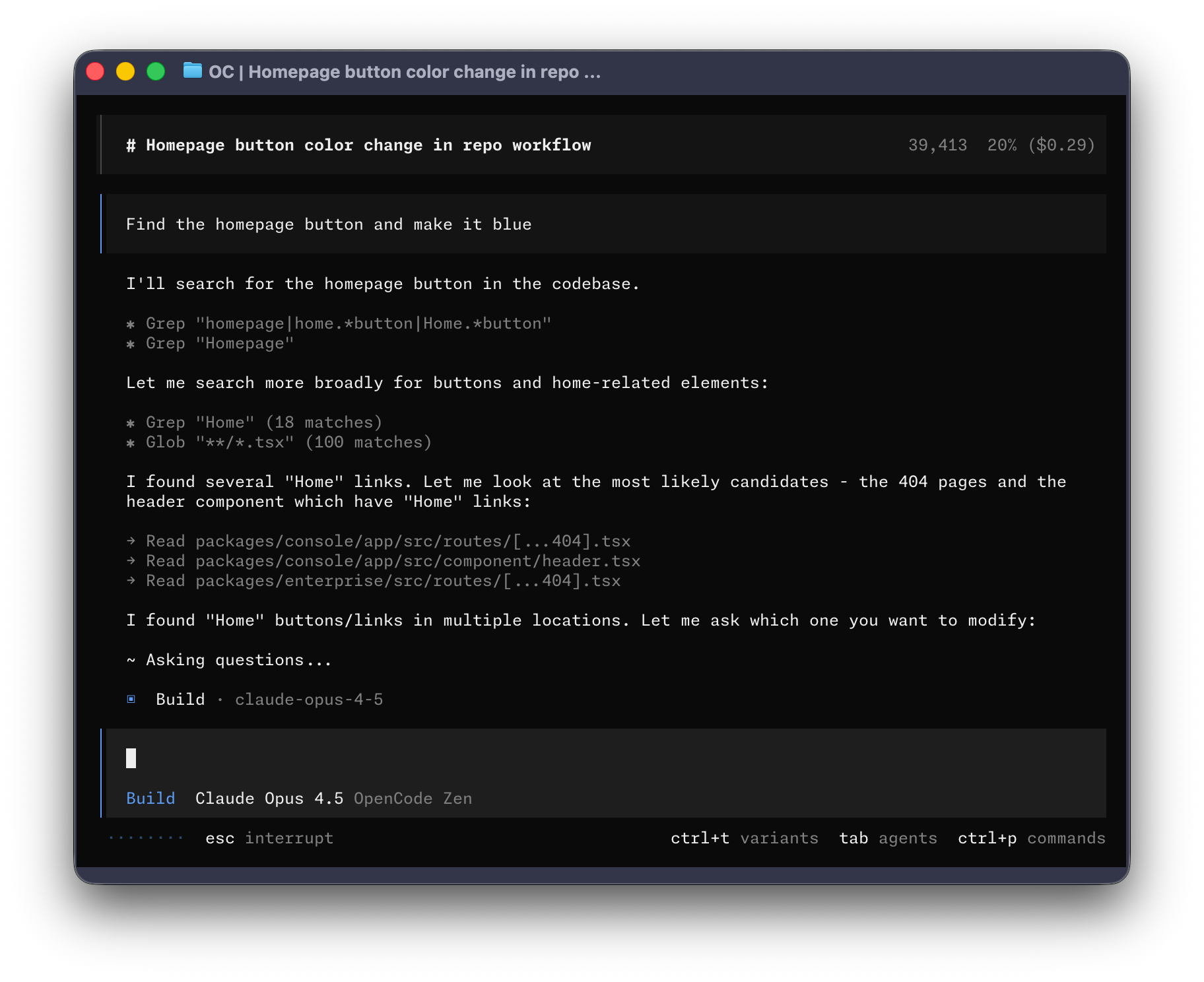
OpenCode configuration docs
opencode.json / opencode.jsonc configuration format
OpenCode GitHub repository
Source code, releases, and contribution guide
Prerequisites
Make sure you have:- An open terminal or command prompt
- A code project to work on
- A valid Poixe API Key (how to create a token)
Install OpenCode
We recommend the official install script:Create the configuration file
OpenCode lets you configure providers, the default model, permissions, and more throughopencode.json / opencode.jsonc.
The example below uses poixe as a custom provider and sets the default model to a Responses protocol Codex model.
1. Create the configuration file
Createopencode.jsonc in your OpenCode configuration directory (JSONC supports comments, which makes it better for long-term maintenance).
The exact file path depends on the OpenCode documentation and your system. You can also place a configuration file in a project’s root directory for that project only.
- macOS/Linux
2. Edit the configuration file
Key points:
baseURLpoints to Poixe:https://api.poixe.com/v1- Declare
gpt-5.2-codexinmodels(along with any other models you want to offer in the UI)- The default model is usually written in
provider_key/model_keyformat (for example,poixe/gpt-5.2-codex)
Configure the API Key (authentication)
OpenCode usually walks you through connecting a provider interactively and saves the credentials (the prompts may differ slightly between versions). Recommended approach:-
Start OpenCode:
-
Connect the Poixe provider by entering the following in the interactive interface:
Get started
Go to your project directory and start it:Permissions and tools (OpenCode built-in tools)
OpenCode has built-in tools (such as running commands, editing files, and writing files), and you can control whether they are allowed throughpermission in the configuration.
Example (allow running commands and editing):
Recommendation: Stay conservative by default and loosen permissions gradually as needed, especially for installing dependencies, running scripts, or making large-scale changes.
FAQ
It asks me to log in / says I lack permission after starting?
It asks me to log in / says I lack permission after starting?
- Confirm that you completed OpenCode’s provider connection/login flow and are using a Poixe API Key
- Confirm that
baseURLin the configuration points tohttps://api.poixe.com/v1 - If you previously linked another provider/Key, reconnect the Poixe provider and try again
Why can't it write to a directory or run certain commands?
Why can't it write to a directory or run certain commands?
This is usually caused by permission policies: