

Introduction
Gemini CLI is a local coding agent that runs in your terminal. It understands, modifies, and executes against your codebase, and offers both an interactive TUI and scripted (headless) usage. This section explains how to connect the AI models provided by Poixe to Gemini CLI (without changing any of your usage habits; only the authentication and request target address are replaced).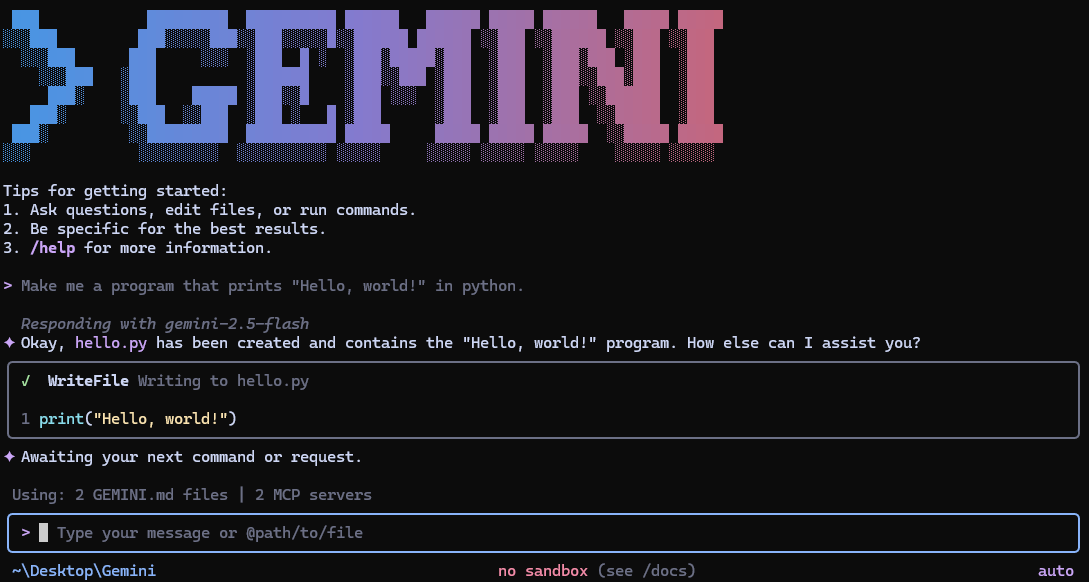
Gemini CLI documentation
Reference for installation, commands, configuration, and usage
Gemini CLI GitHub repository
Source code, releases, and contribution guide
Prerequisites
Make sure you have:- An open terminal or command prompt
- A code project to work on (a Git repository is recommended)
- An API token that supports the Google Gemini Content protocol (how to create a token)
Install Gemini CLI
Install globally with NPM (provided by both the official repository and documentation):Configure environment variables
- macOS / Linux / WSL
- Windows PowerShell
Initial setup
1
Start Gemini CLI
2
Authenticate for the first time
In the interactive interface, enter:Prompt:
How would you like to authenticate for this project?Select: Use Gemini API Key3
Test the connection
Get started
Go to your project directory and start it:Notes
1. Permissions and execution risks
Gemini CLI can read, write, and execute. Use it only in repositories you trust, and approve operations involving deletion, bulk changes, or script execution with caution.2. Behavior differences under the Poixe gateway
Poixe is a relay layer and makes certain engineering trade-offs in stability, risk control, billing, and tool capabilities. If some capability is unavailable or behaves differently, first consult the relevant sections of Poixe’s compatibility and differences documentation.FAQ
Q1: It asks me to log in / says I lack permission after starting?
Q1: It asks me to log in / says I lack permission after starting?
We recommend using the API Key environment variable approach first:
- Confirm that
GEMINI_API_KEY="$POIXE_API_KEY"is set - Confirm that
GOOGLE_GEMINI_BASE_URL="https://api.poixe.com"is set - Restart your terminal so the environment variables take effect
Q2: Why can't it write to a directory or run certain commands?
Q2: Why can't it write to a directory or run certain commands?
This is usually caused by permission/execution policies:
- First confirm that the current working directory is writable
- For dangerous commands (delete/install/run scripts), review them manually and approve step by step
- If necessary, break the task into smaller pieces: have it output a plan and diff first, then decide whether to execute