

Introduction
Claude Code is an agentic coding tool that runs in your terminal. It understands your codebase and helps you code faster through natural language commands: it can handle routine tasks, explain complex code, and manage Git workflows. This section gets you up and running with AI-powered coding assistance in a few minutes. When you finish, you will know how to use Claude Code for common development tasks.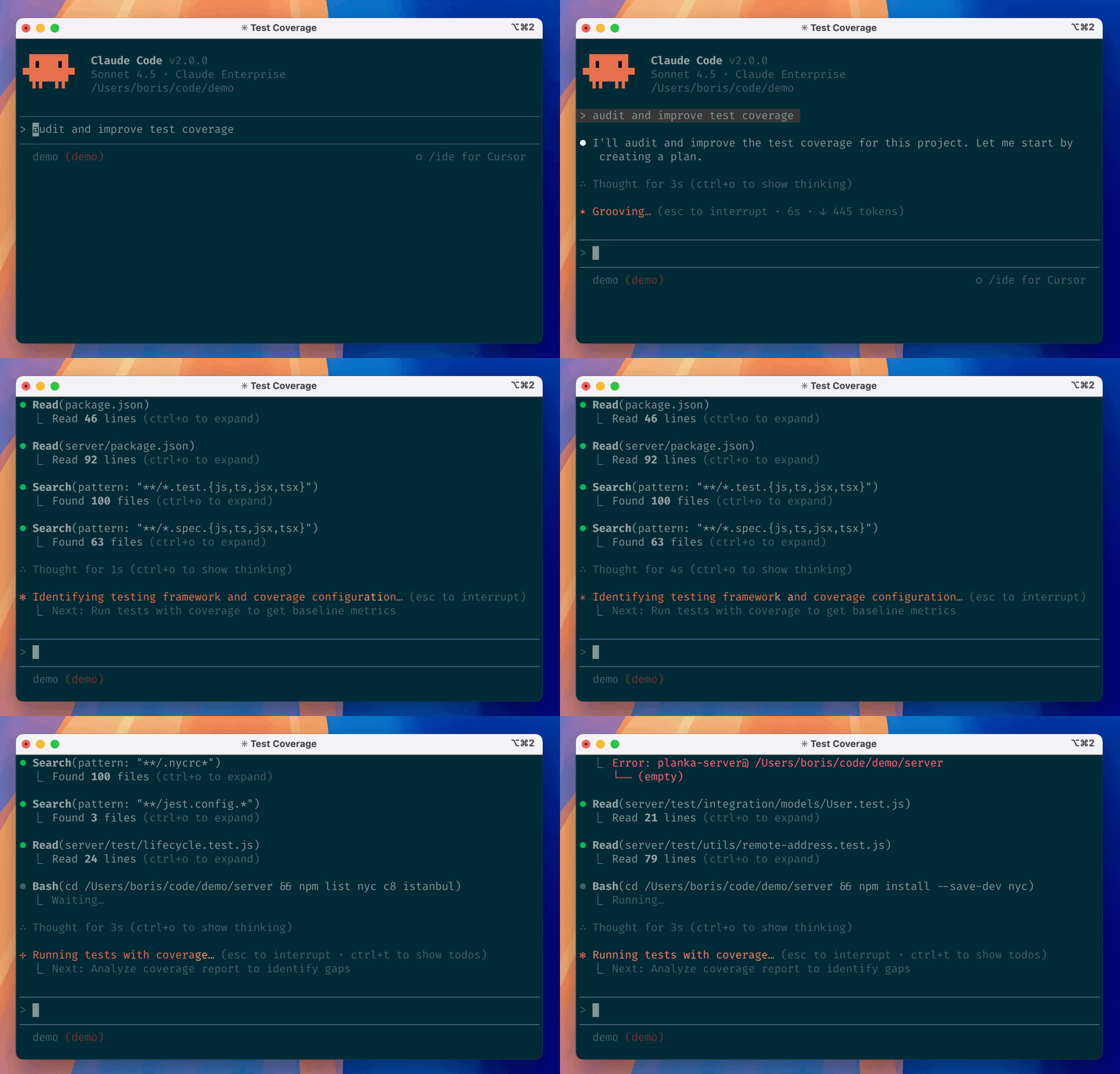
Claude Code documentation
Installation, usage, commands, and configuration reference
Claude Code GitHub repository
Source code, release binaries, and contribution guide
Prerequisites
Make sure you have:- An open terminal or command prompt
- A code project to work on
- An API token that supports the Anthropic Messages protocol (how to create a token)
- macOS, Linux, WSL
- Windows
Install Claude Code
To install Claude Code, use one of the following methods:- Native Install (Recommended)
- Homebrew
- WinGet
- NPM installation (Deprecated)
macOS, Linux, WSL:Windows PowerShell:Windows CMD:
Verify the installation
After installation, run the following command to verify that it succeeded:Start your first session
Open your terminal in any project directory and start Claude Code:/help to see available commands, or type /resume to continue a previous conversation.
Ask your first question
Let’s start by getting to know your codebase. Try one of the following commands: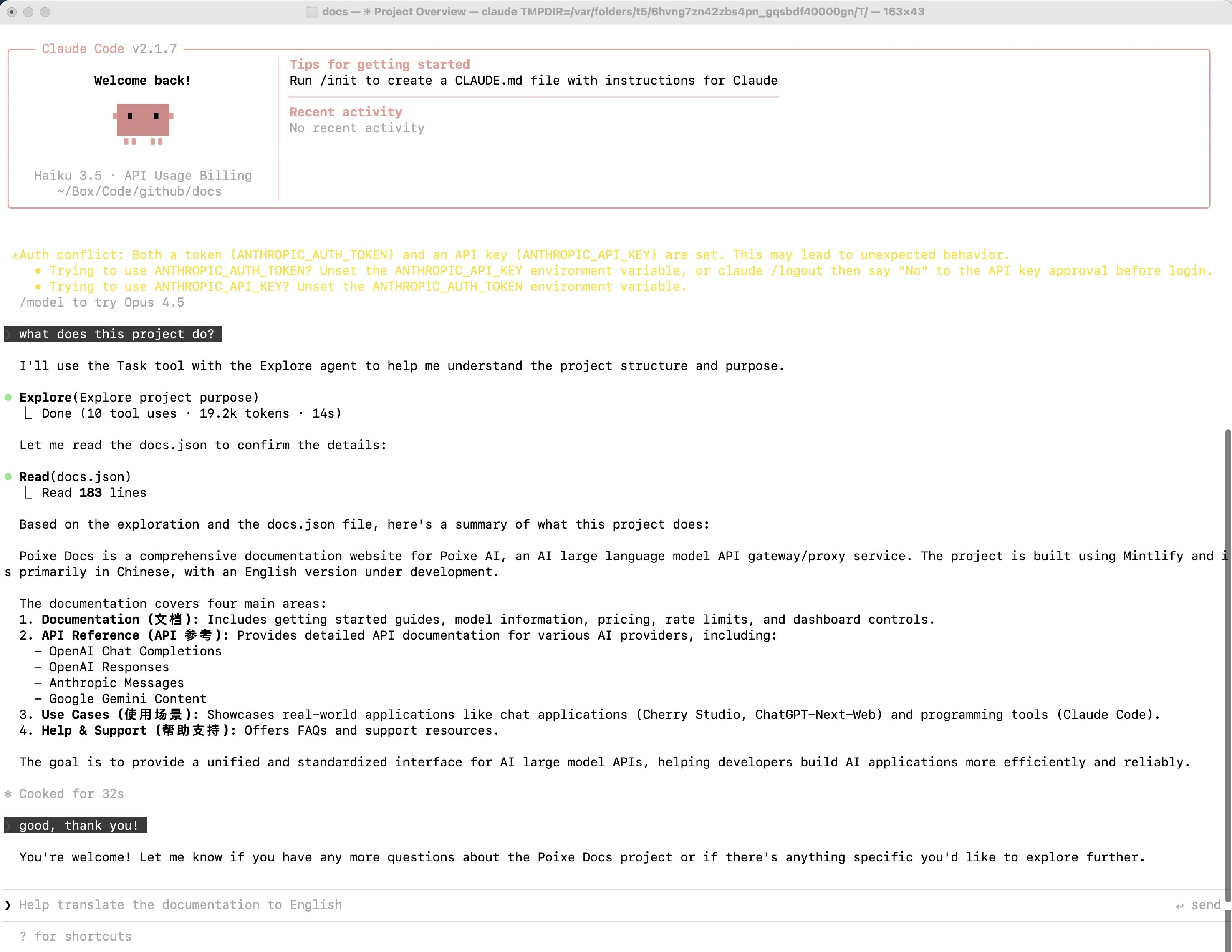
Basic commands
Here are the most important commands for everyday use:
For the full list of commands, see the CLI reference.
Pro tips for beginners
Be specific with your requests
Be specific with your requests
Instead of: “fix the bug”Try: “fix the login bug where users see a blank screen after entering wrong credentials”
Use step-by-step instructions
Use step-by-step instructions
Break complex tasks into steps:
Let Claude explore first
Let Claude explore first
Before making changes, let Claude understand your code:
Save time with shortcuts
Save time with shortcuts
- Press
?to see all available keyboard shortcuts - Use Tab for command completion
- Press ↑ to see command history
- Type
/to see all slash commands
FAQ
Getting an Invalid API Key · Please run /login error?
Getting an Invalid API Key · Please run /login error?
This indicates that Claude Code did not detect the environment variables. Check the following:
- ANTHROPIC_API_KEY and ANTHROPIC_BASE_URL are set correctly
- The environment variable values are correct (tokens start with sk-)
- If you used a persistent configuration, you restarted your terminal
Why does it show an offline status?
Why does it show an offline status?
Claude Code checks network status by connecting to Google. Seeing “offline” does not affect normal use; it only means Google could not be reached.
Why does web Fetch fail?
Why does web Fetch fail?
Claude Code needs to call the Claude service for a safety check before accessing a web page. You need to:
- Maintain a stable international internet connection
- Use a global proxy if necessary
What should I do about API errors?
What should I do about API errors?
If you run into an API error:
- Confirm that ANTHROPIC_API_KEY and ANTHROPIC_BASE_URL are set correctly
- Check your network connection and make sure you can reach the API endpoint
- Read the error message and refer to Error handling to troubleshoot
- If needed, contact the team for help
How do I exit Claude Code?
How do I exit Claude Code?
In interactive mode, type
exit or press Ctrl+C twice to exit Claude Code.How do I update Claude Code?
How do I update Claude Code?
One command does it:
claude updateTroubleshooting common errors
How do I fix the Extra inputs are not permitted error?
While using Claude Code, you may run into the following error:

context_management: Extra inputs are not permitted. Many users report that version 2.1.20 works, but starting with 2.1.22/2.1.23 it fails immediately (any input triggers a 400).
What causes this 400?
Essentially, the client sent fields (or beta/experimental fields) that the server does not recognize or allow, which causes schema validation to fail.
Newer versions of Claude Code include certain context management / beta-related input fields (or the corresponding headers / schema) in requests.
But the “backend” you are connected to (commonly an enterprise gateway/proxy, Bedrock/Vertex/Gateway, some relay services, or even an Anthropic API that has been rewritten by a proxy) does not support these fields yet, so it rejects the request under strict schema validation: Extra inputs are not permitted.
Related GitHub issue discussion: https://github.com/anthropics/claude-code/issues/21612Solution: The official changelog explicitly documents a related fix: In 2.1.27, it mentions “Fixed context management validation error for gateway users”, and notes that setting
CLAUDE_CODE_DISABLE_EXPERIMENTAL_BETAS=1 avoids the error.
Related changelog entry: https://github.com/anthropics/claude-code/blob/main/CHANGELOG.md#2127Recommendations:
-
- Upgrade to version 2.1.27 or later (if you haven’t already)
-
- Set the environment variable
CLAUDE_CODE_DISABLE_EXPERIMENTAL_BETAS=1to disable experimental beta features
- Set the environment variable